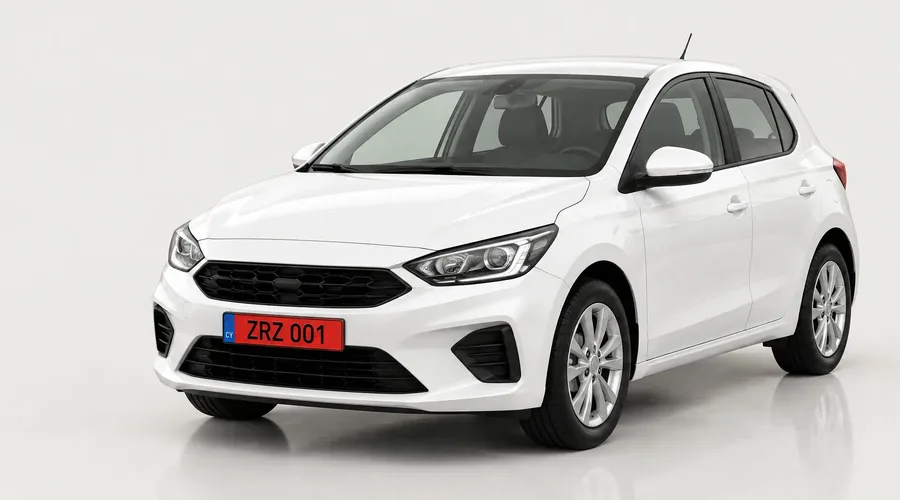
Cars and vans
Plate, price, status and damage for every vehicle.
 by Raw IT Studio
 by Raw IT Studio
For car, scooter and quad rentals · Cyprus
One app to run your rental shop.
Bring bookings, contracts, damage photos and payment records together at your rental desk. Use RentZ on a tablet, phone or computer.
What your desk sees
Built for
RentZ works for everything you rent. Cars, scooters, quads and buggies sit in one fleet list.
Plate, price, status and damage for every vehicle.
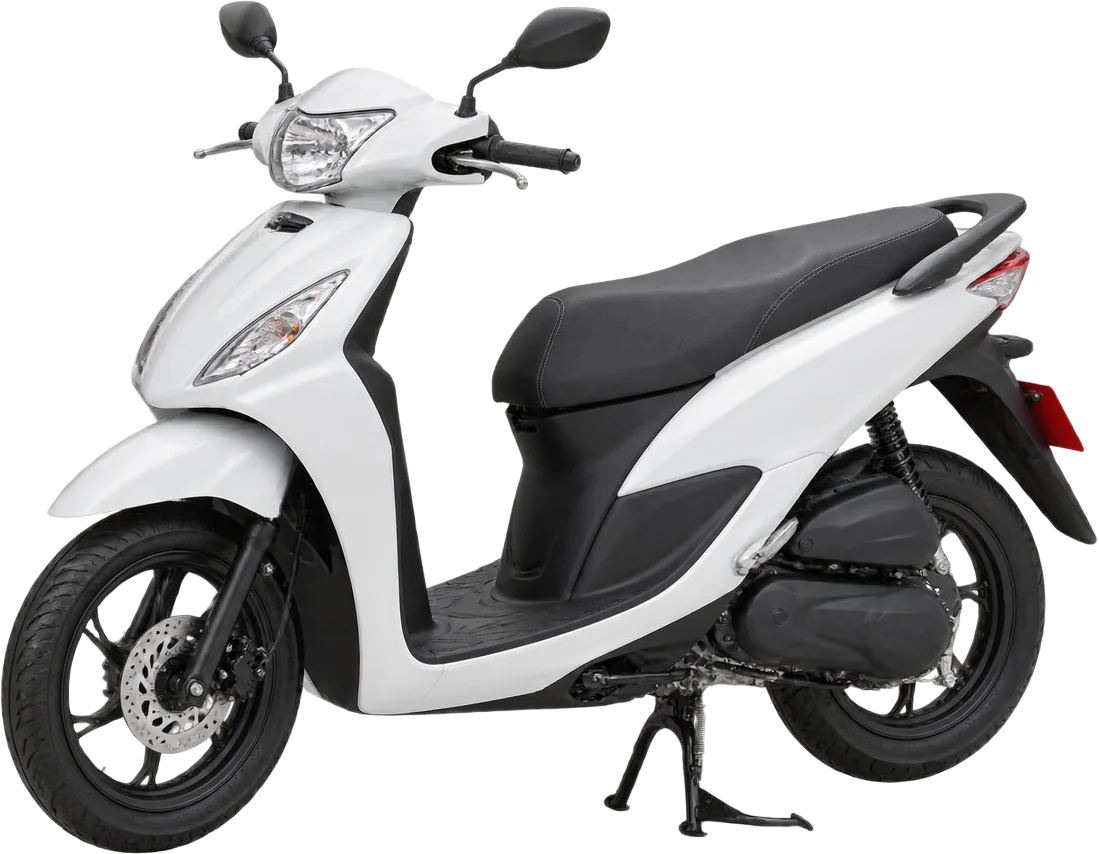
Helmets and extras from your own price list.
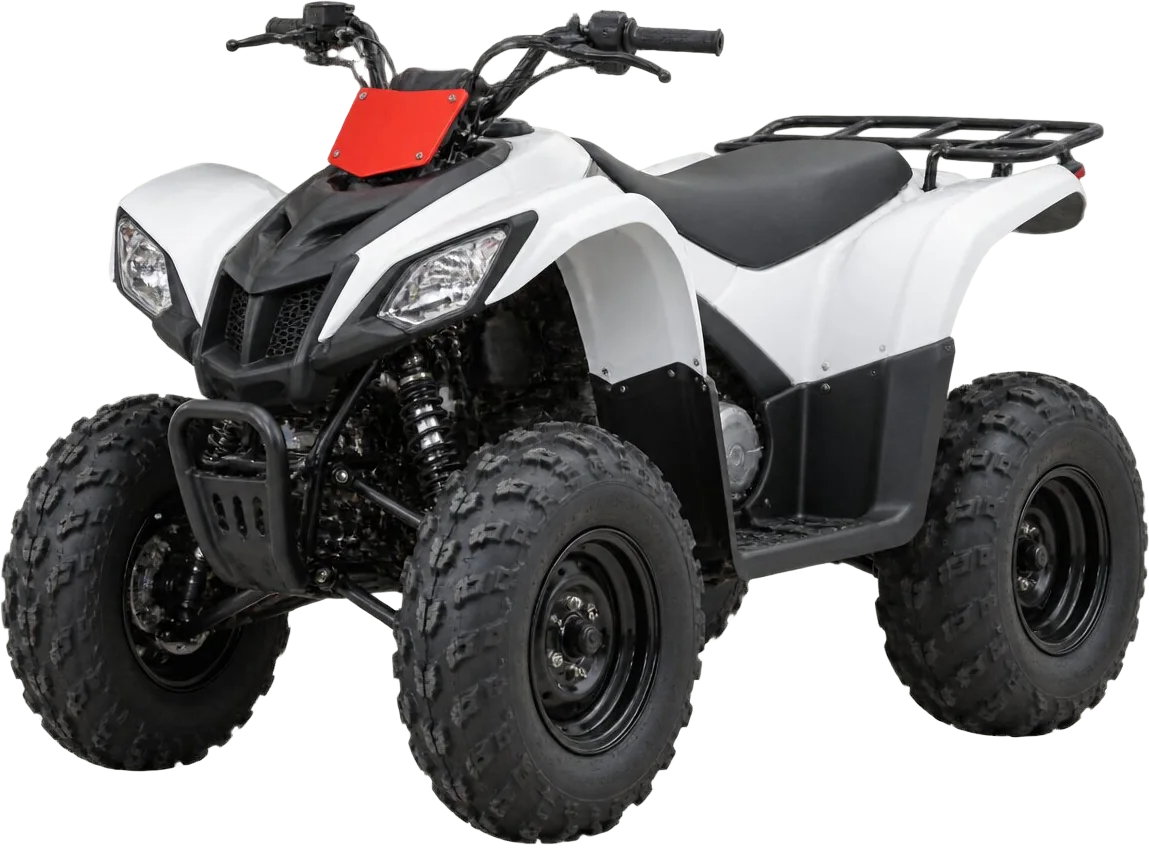
Short rentals and deposits, handled like your cars.
Why RentZ
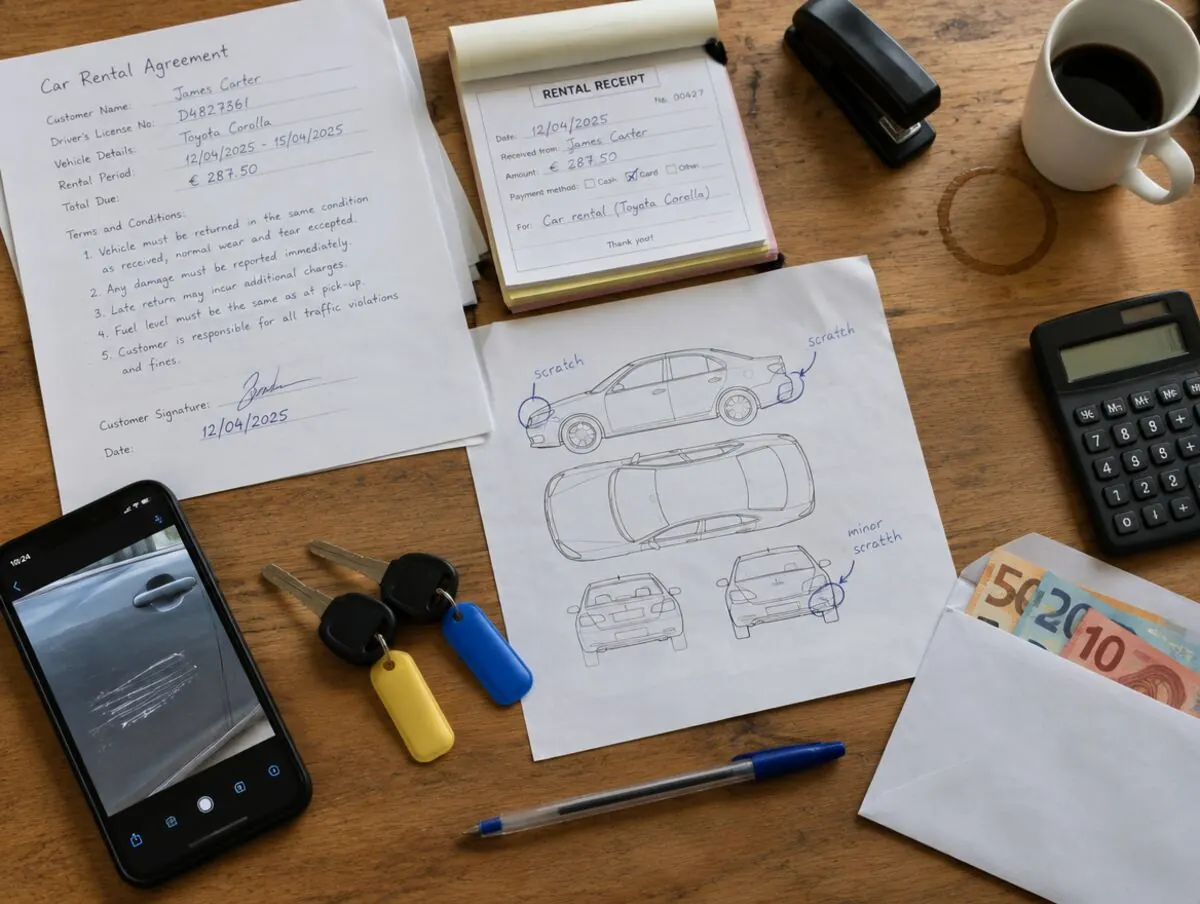
Today one rental lives on paper, a phone, an envelope and a receipt book. RentZ puts it all in one place.
 1
2
2
3
4
1
2
2
3
4
1The contract
2The damage
3The deposit
4The money
How it works
This is the real New rental window your employee uses. Follow one booking, step by step.
The New rental window, with example data.
Scan the driving licence with the camera, or pick a returning customer. The details fill in for you to check.
The licence photos are saved privately with the booking.
Set pickup and return, and where. Airport or hotel delivery adds its fee.
You see only the vehicles that are free for those dates.
Daily rate, insurance and extras from your own price list. The total is worked out for you.
The customer signs on the screen. Save, and hand over the keys.
Inside the app
Explore example RentZ screens for the rental desk, fleet and owner view. The company and figures shown are sample data.
Overview. Today's pickups and returns, what is on the road, who still owes money.Example data. Company, names and plates are made up.
Also included: calendar and reminders, delivery fees, numbered invoices, branches. Planned: additional contract languages, pre-arrival signing and card deposit holds.
Local team
Compare
For a shop with 15 cars.
| Paper and Excel | Free software from a booking site | Other rental software | RentZ | |
|---|---|---|---|---|
| Cost | Your time | Check the provider’s commission terms | Varies by provider and fleet size | €59 a month, or €49 paid yearly |
| Setup | You build it yourself | Online, on your own | Online, with videos | Guided setup and team training |
| Help | Nobody to call | Email or chat | Chat, often abroad | WhatsApp and phone support in Cyprus |
Other providers' fees and services vary; compare their current terms before making a decision.
Prices
Type in your fleet to find your plan, then tap a plan to see everything in it. Prices exclude VAT.
Up to 15 vehicles
€59.00/month
€49.00/month annual equivalent
€588.00 per year
Up to 40 vehicles
€99.00/month
€83.00/month annual equivalent
€996.00 per year
Up to 100 vehicles
€179.00/month
€149.00/month annual equivalent
€1,788.00 per year
Up to 250 vehicles included
€249.00/month
€208.00/month annual equivalent
€2,496.00 per year
Above 250: +€1.00 per vehicle per month on monthly billing. No extra vehicle fee on annual billing.
See how RentZ fits your fleet. We can walk through the workflow, plan and setup together.
Book a demoQuestions
No. RentZ works in the browser on a tablet, phone or computer. Most desks use one tablet.
We come to your shop, enter your vehicles and prices with you, and train your team. For most shops this is one visit.
You do. RentZ only records payments. There is no commission.
No. Income and reports are on the owner screen, which only owners can open.
English is available now. Additional contract languages are planned.
The Owner area includes CSV exports for financial records. Ask our team about moving other records before leaving.
Book a demo
A demo takes 20 minutes. We show you RentZ with a few of your own vehicles and prices.
WhatsApp or call. RentZ is made by Raw IT Studio in Cyprus.
Saturday 4 July
Pickups, returns and everything that needs you, in one view.
Pickups above the line, returns below. The dark line is now.
Live status across the garage
14 rentals out now
24 of 40 vehicles on your Plus plan.
carReadyscooterOn rentquadReadycarOn rentscooterReadyquadIn serviceUnlocked until 10:59. It locks again on its own.
Last month · €14,860.00 received
€15,480.00 booked · €930.00 commission
Sun Cars · Choose any section · Save when ready
Step 1 of 6
Driver and contact
Scan a clear photo, review the details, then add them to the form. Photos save privately with the booking.